The craft in balance — where method and meaning converge.
PhotoFovea Create is where technique meets intention. Here we transform quiet scenes into durable artworks
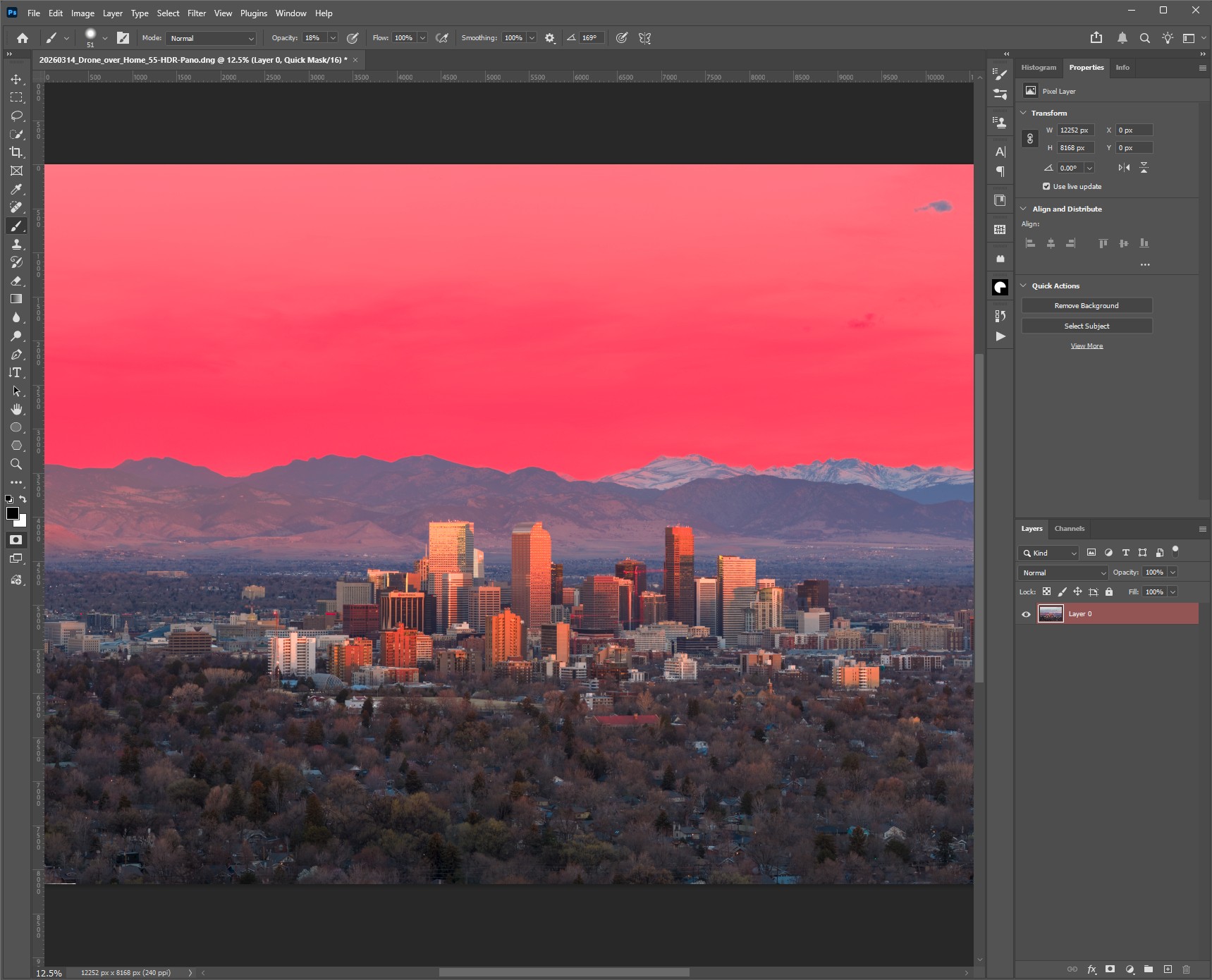
through careful workflow: curation, RAW development, color management, soft proofing, and archival print finishing.
Each step is precise, deliberate, and crafted to preserve the integrity of light, form, and meaning.
Workflow Directory
Explore workflow guides, technical lessons, and printmaking resources designed to move images from capture to finished artwork.
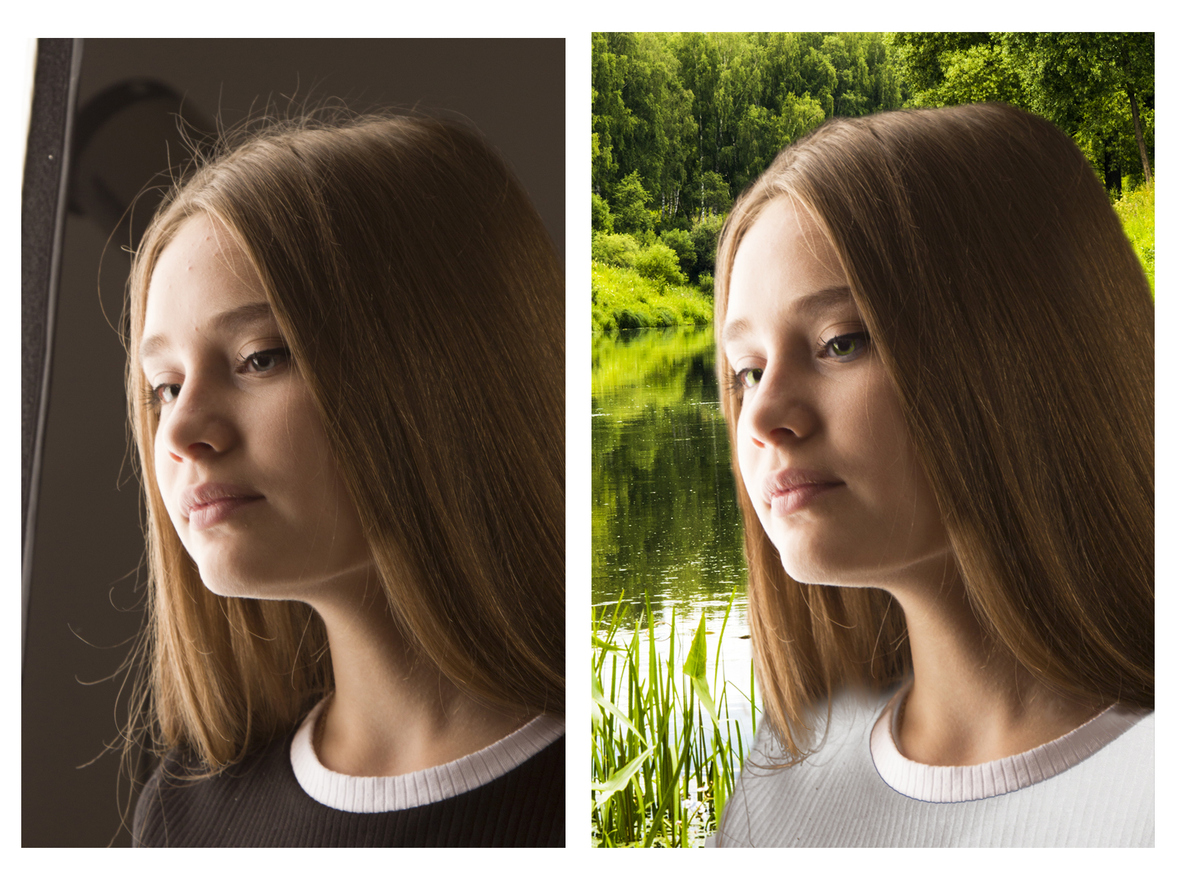
Compositing for Photographers: Building Images Beyond a Single Exposure Compositing for photographers is the disciplined craft of building a believable final image from multiple sources while preserving photographic credibility. Create · Post 19 — Planning, blending, and integrating images into …
Final Image Workflow for Photographers: From Master File to Print and Web Final image workflow for photographers is the discipline that turns a finished edit into a protected master, a clean print file, a web-ready export, and a reliable archive …
Sharpening for Photographers: Detail Without Halos or Noise Sharpening for photographers is not about making every edge harder—it is about preparing detail for the way an image will actually be viewed. Create · Post 17 — Detail control for print, …
Local Contrast for Photographers: Micro-Contrast Without Artifacts Local contrast for photographers is the art of adding depth, separation, and clarity without tipping an image into halos, noise, or brittle-looking detail. Create · Post 16 — Building depth and clarity through …
Masking Mastery for Photographers: Precision Selections Without Halos Masking mastery for photographers is the difference between an edit that feels seamless and one that reveals itself through bright edges, muddy transitions, or artificial cutouts. Create · Post 15 — Clean …
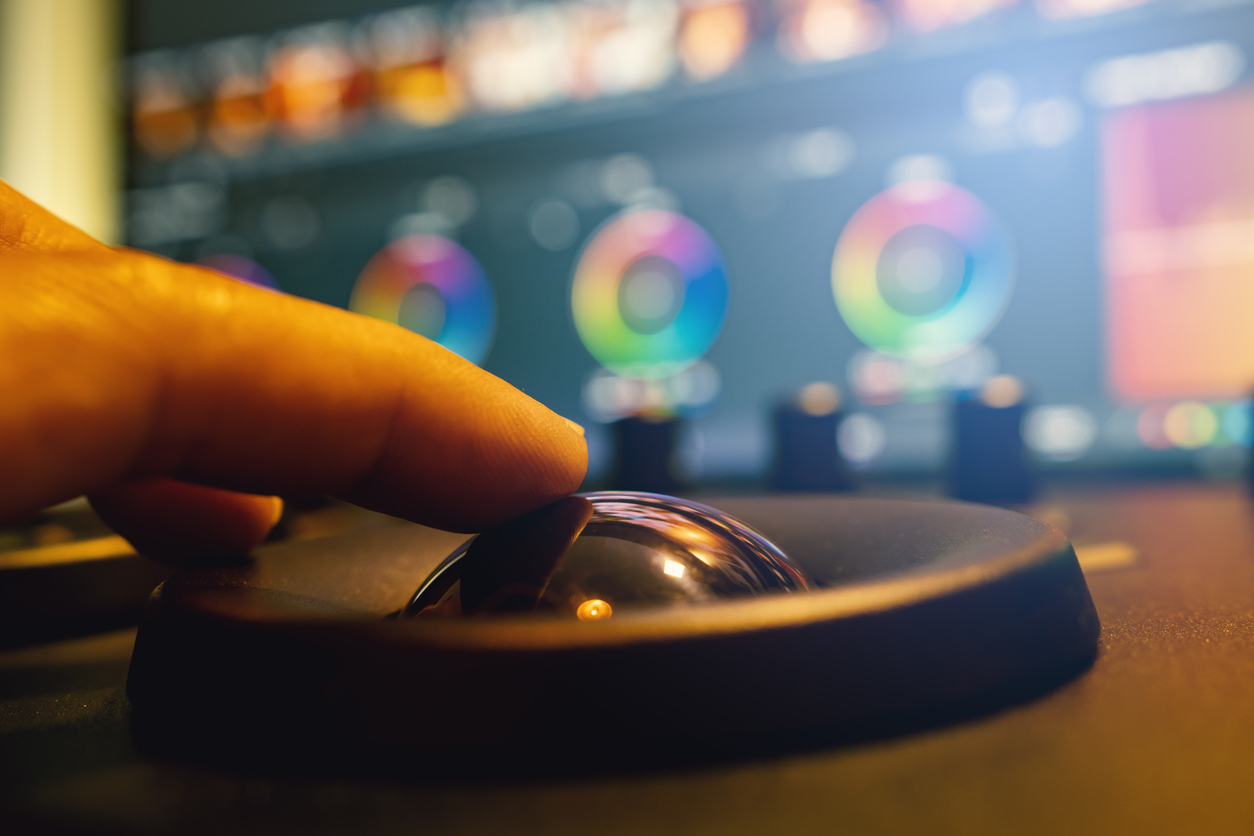
Color Grading for Photographers: From Correction to Creative Intent Color grading for photographers is the moment editing moves beyond correction and becomes interpretation—where color begins to shape mood, rhythm, and meaning. Create · Post 14 — Moving from neutral correction …
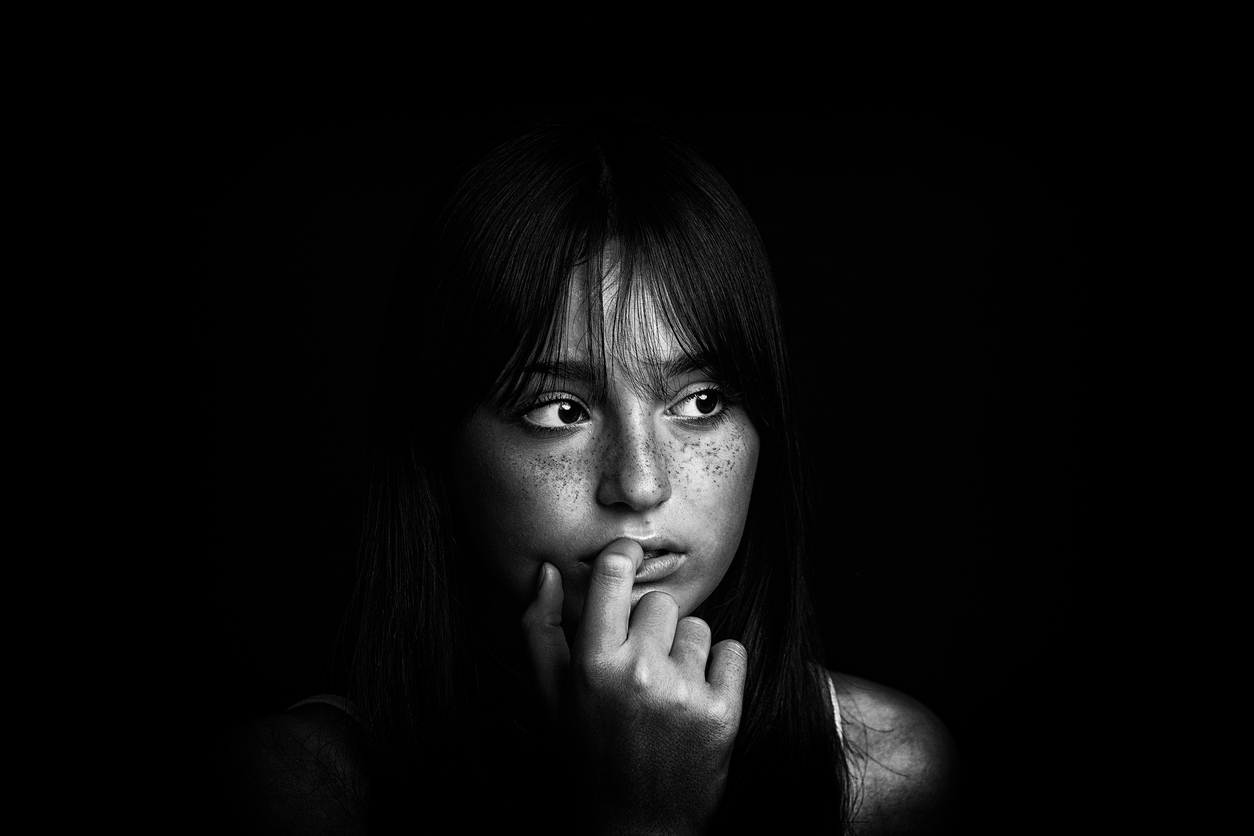
Dodge & Burn for Photographers: Sculpting Light with Precision Dodge and burn for photographers is one of the most powerful ways to shape light, direct attention, and add depth—without leaving visible fingerprints of editing. Create · Post 13 — Using …
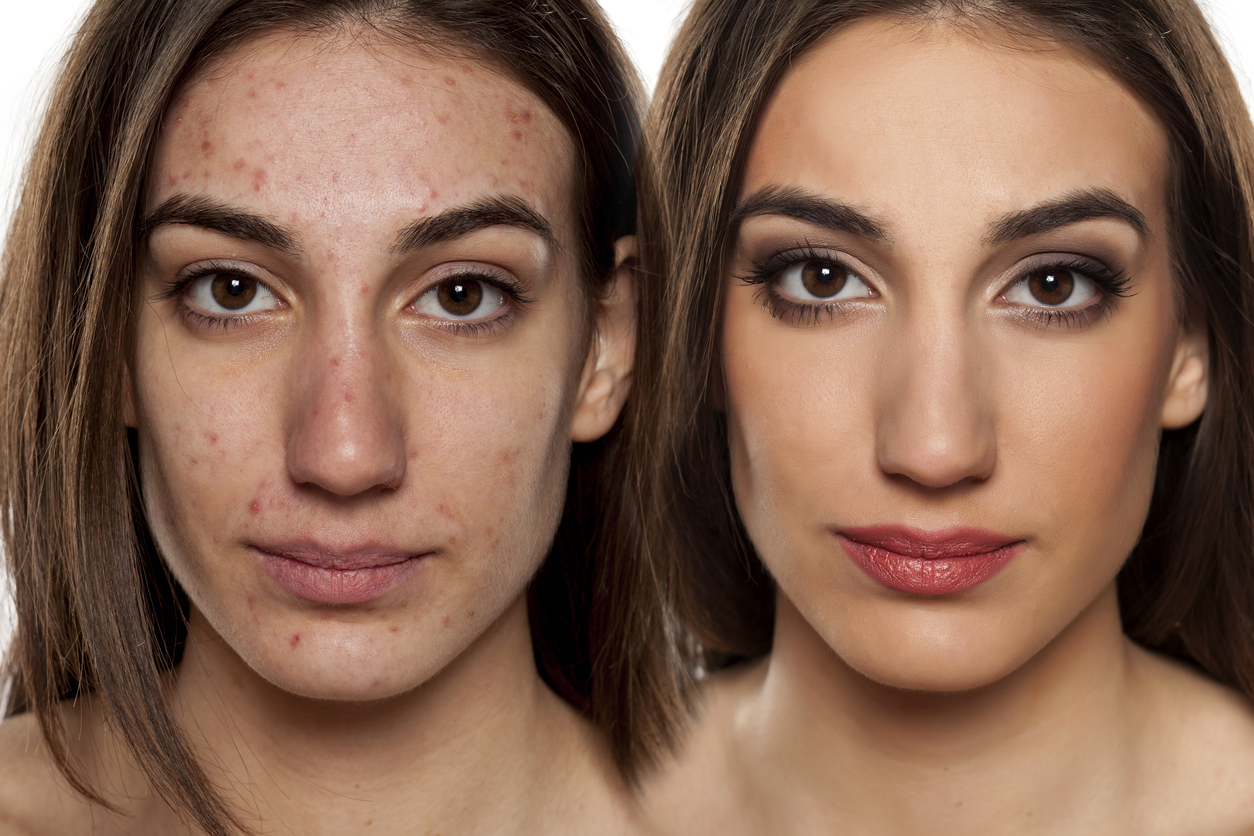
Frequency Separation for Photographers: Precision Skin Retouching Without Plastic Results Frequency separation for photographers is the cleanest way to correct skin tone and texture separately—so you can refine portraits without losing realism. Create · Post 12 — Tone and texture …
Smart Objects for Photographers: Non-Destructive Editing That Never Backs You Into a Corner Smart Objects workflow for photographers is the difference between a file you can refine for years and a file that locks you into yesterday’s decisions. Create Blog …
Tone Without Trauma — Contrast, Curves, and Dynamic Range Control Contrast and tone control is not about force—it’s about shaping light deliberately with curves, highlights, and shadows so your images feel dimensional rather than harsh. Strong tone comes from restraint, …
Seeing in Layers — Using Local Adjustments to Shape Light and Attention Lightroom local adjustments turn global corrections into intention—guiding the eye, quieting distractions, and shaping light with subtle control. Local adjustments turn a flat image into layered visual intent …
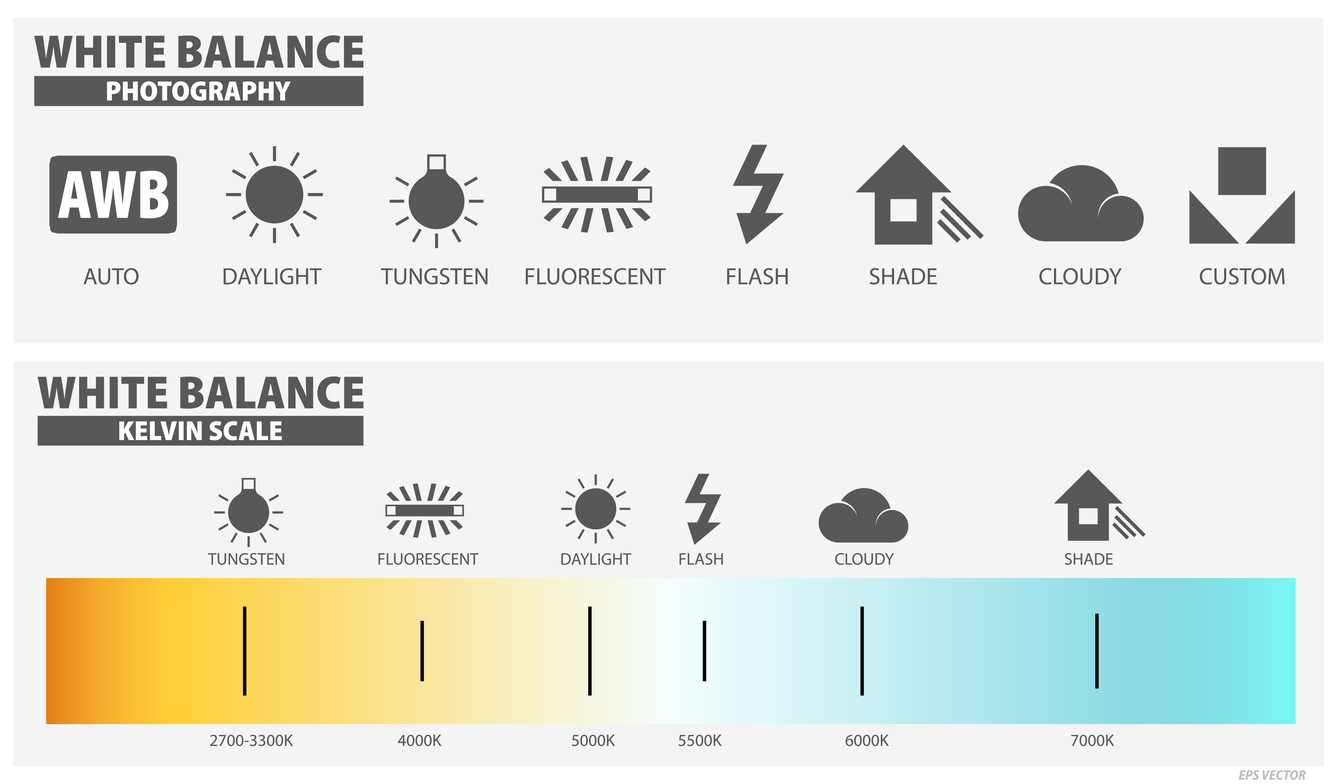
Color Without Confusion — Mastering White Balance and Color Temperature White balance color temperature becomes easy when you treat it as two controls—Temperature and Tint—used on purpose for accuracy, mood, or both. White balance isn’t just “correct.” It’s a decision: …
Sharpening with Intent — Clarity, Texture, and Detail Without Damage A refined photo sharpening workflow enhances clarity and texture without halos, grit, or overprocessed detail. Sharpen the subject, not the noise. Enhance detail, not drama. Sharpening doesn’t add detail—it increases …
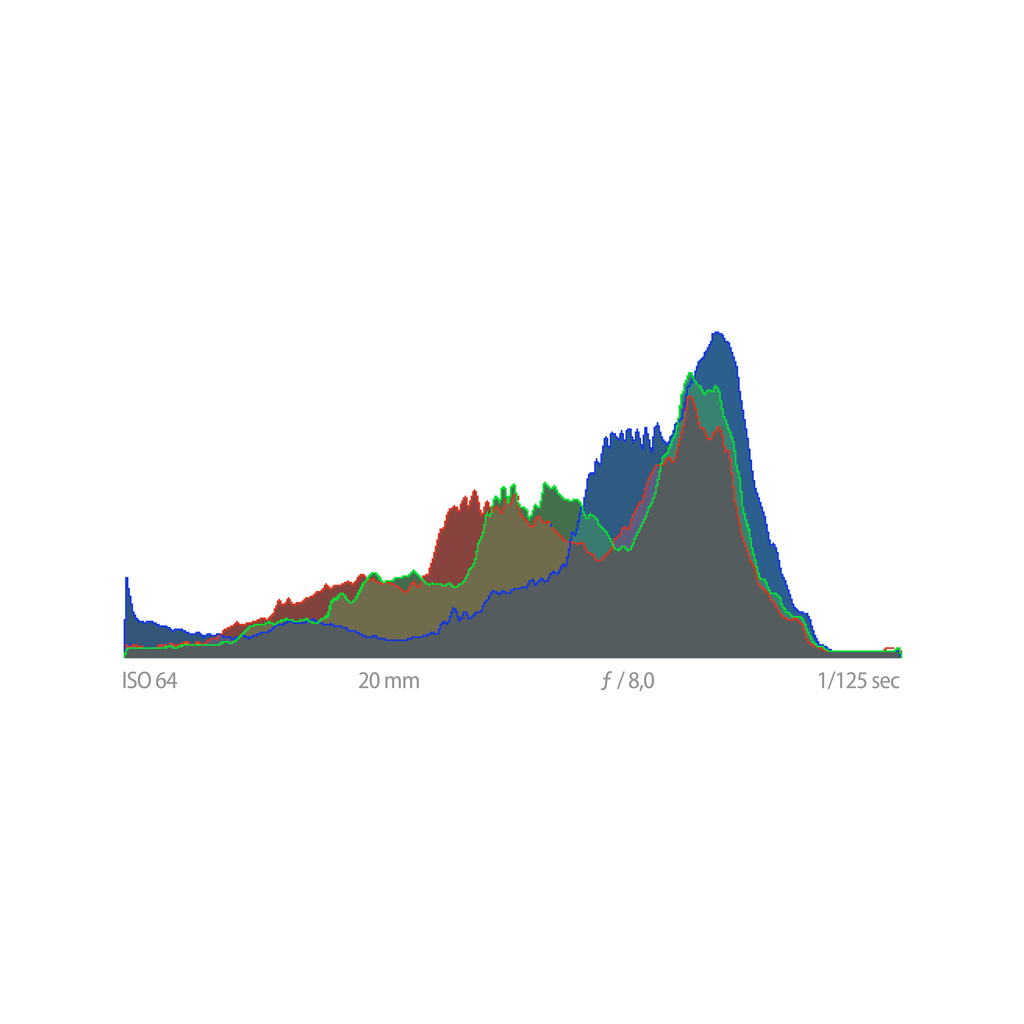
Seeing Exposure — Using the Histogram as a Creative Tool Histogram exposure photography turns exposure into something you can verify in the field—so you stop guessing and start making calm, repeatable decisions. When the screen lies, the histogram tells the …
Exposure Without Fear — Understanding Aperture, Shutter Speed, and ISO Understanding camera exposure becomes calm and practical when you treat it as three decisions—depth, time, and noise—made on purpose. Exposure isn’t math homework. It’s three decisions made on purpose. If …
Essential Camera Setup — Universal Best Practices + D850 Examples A practical guide to beginner camera setup—building a stable, repeatable foundation using universal principles and Nikon D850 examples. Every camera feels complex until its logic becomes second nature. A thoughtful …
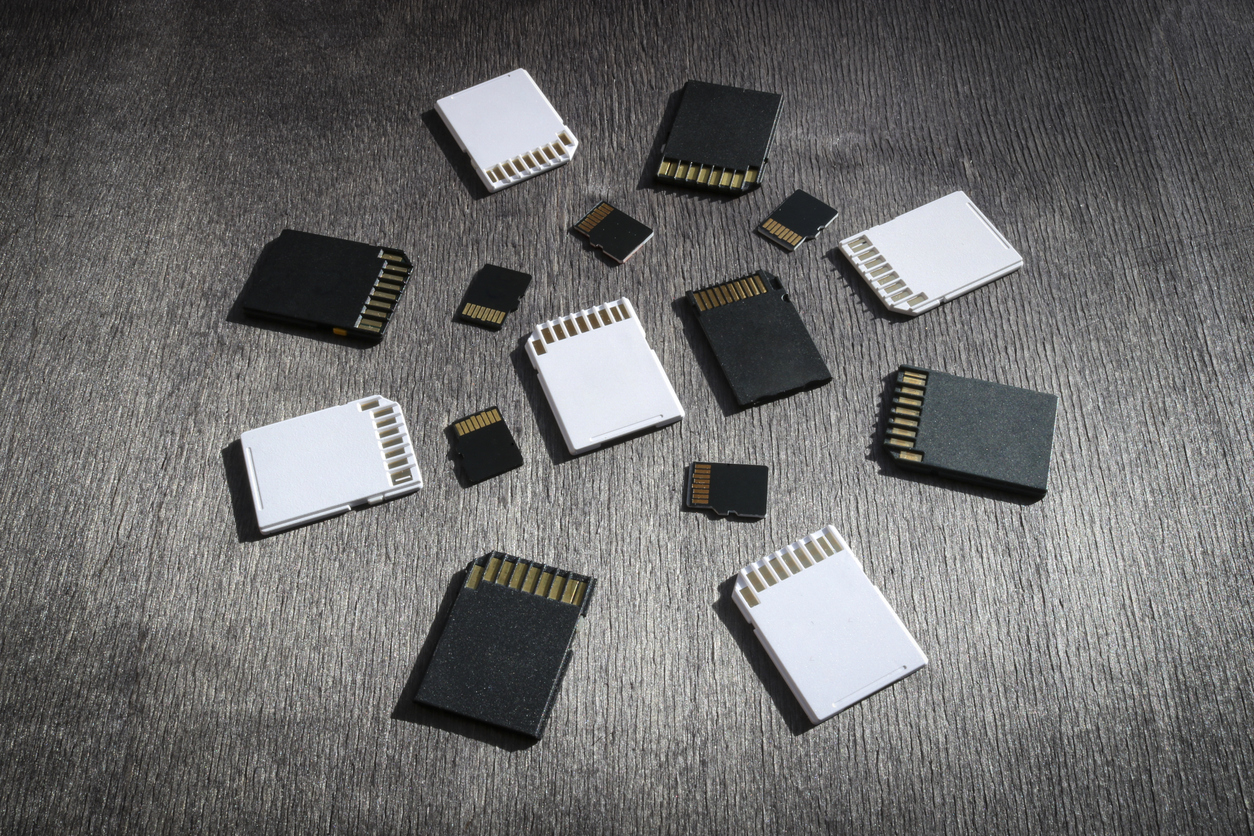
Storage Cards Demystified — SD, XQD & CFexpress Explained SD XQD CFexpress cards may look like tiny rectangles of plastic and metal, but they control how fast your camera can think, how long it can breathe during bursts, and how …
From Capture to Catalog — The Art of Organized Editing Ready to build a Lightroom workflow that just works? This guide to Lightroom Classic catalog setup shows how to create a reliable master catalog, import cleanly, tag intelligently, edit non-destructively, …
Before the First Click — Building Your Digital Photography Foundation New to digital cameras? Welcome. This comprehensive guide to digital photography setup lays the rails before the train: a calm, dependable system for your files, software, backups, and camera—so your …
From capture to crafted print, this series emphasizes repeatable workflow and deep visual literacy—linking craftsmanship
with creativity. By mastering consistency in post-processing and print preparation, photographers move beyond the screen
into the tangible world of pigment and paper.
PhotoFovea Create connects directly with
Learn
and
Envision,
completing the circle of knowledge, vision, and craft.
Pair each workflow with one Learn lesson; change one variable at a time in the field.
Keep notes on exposure settings, light quality, mistakes, and fixes.
Review contact sheets weekly because patterns reveal habits to keep or correct.
Soft-proof and print small; iterate until choices are repeatable and consistent.
The aim is repetition with purpose. By cycling drills, analysis, and small prints, your process becomes predictable,
your edits steadier, and your results more intentional.