Storage Cards Demystified — SD, XQD & CFexpress Explained
SD XQD CFexpress cards may look like tiny rectangles of plastic and metal, but they control how fast your camera can think, how long it can breathe during bursts, and how safely your images arrive home. In this guide, we’ll make sense of card types, speeds, capacity, and care—so your storage matches your photography, not the other way around.
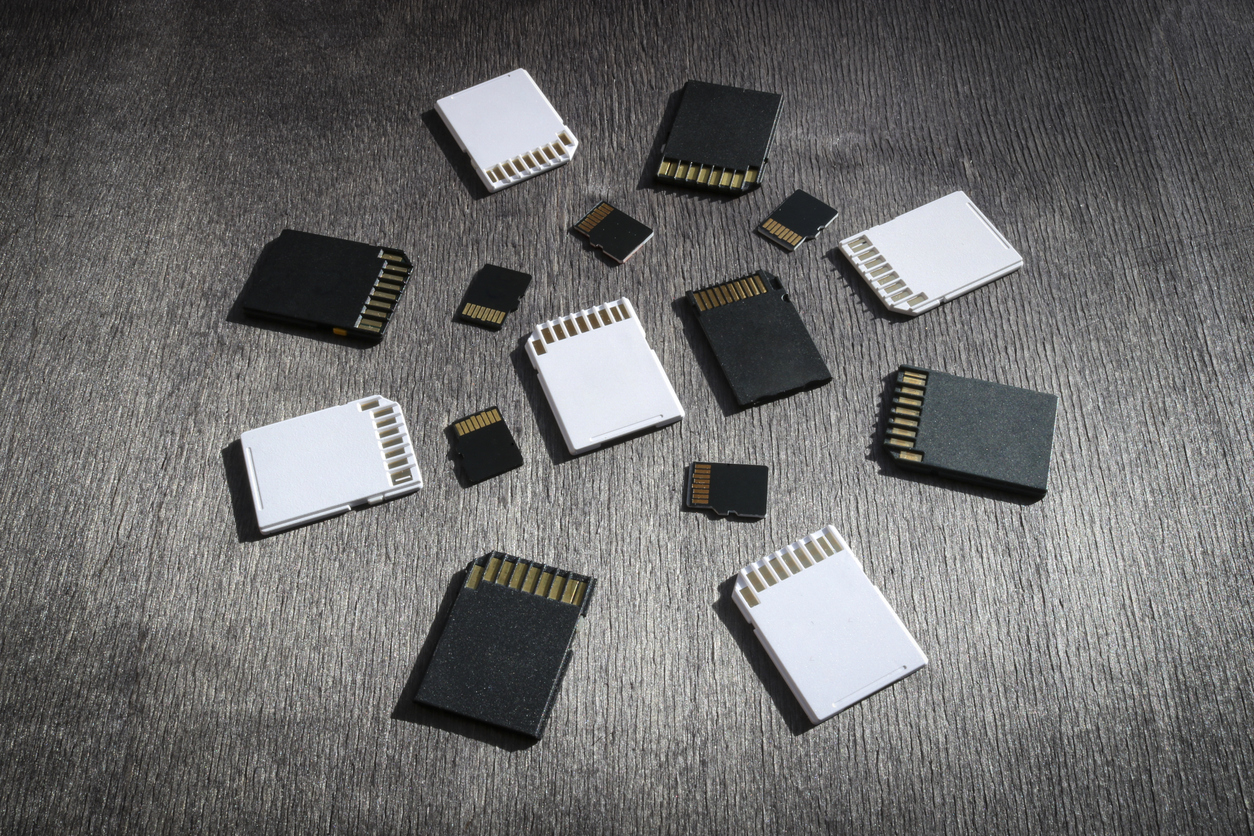
Part 1 — Why Storage Cards Deserve Serious Respect
The card in your camera sits at the crossroads between the sensor, the image processor, and your computer. It has three essential jobs: accept data quickly, keep it safe, and hand it back without complaint. When SD XQD CFexpress cards are well matched to your camera and shooting style, everything feels smooth. When they are not, you see buffering delays, missed frames, or—in the worst case—corrupted files.
Think of cards as part of your imaging chain, not an afterthought accessory. You choose lenses with intention; it’s worth choosing cards with intention too.
Part 2 — SD Cards: The Familiar Workhorse
SD cards are the most common format in still cameras, especially in mid-range and many full-frame bodies. They come in different bus interfaces and speed classes, which is why the label looks like technical hieroglyphics. Let’s translate the important parts.
Physical Type & Bus Interface
- Form factor: Full-size SD cards are preferred for serious work. MicroSD with an adapter is another point of potential failure.
- Bus: UHS-I vs UHS-II (and now UHS-III in some ecosystems). UHS-II cards have a second row of contacts and can move data significantly faster—if your camera supports them.
Speed Classes & Ratings
An SD label often includes several symbols. Each describes performance from a slightly different angle:
- Speed Class (C10, etc.): An older system; C10 indicates a minimum of 10 MB/s write.
- UHS Speed Class (U1, U3): U1 ≈ 10 MB/s; U3 ≈ 30 MB/s minimum write, important for steady video recording.
- Video Speed Class (V30, V60, V90): Designed for sustained recording. V30 ≈ 30 MB/s; V60 ≈ 60 MB/s; V90 ≈ 90 MB/s minimum sustained write.
- Advertised Read/Write Speeds: The large number on the front is usually the maximum read speed under ideal conditions; sustained write speed is almost always lower.
For high-resolution RAW bursts, a U3, V60 or V90 card often pairs well with modern cameras. For slower-paced stills, mid-range SD cards can be perfectly adequate—your buffer just empties more slowly.
Part 3 — XQD & CFexpress: When Your Camera Needs the Fast Lane
As sensors grew larger and frame rates climbed, SD cards started to hit their limits. Camera makers responded with XQD and CFexpress, formats designed for higher throughput and robustness. Many pro bodies now use these as primary or secondary slots.
XQD Cards
- Use a PCIe-based interface for faster, more stable transfers than most SD cards.
- Offer robust housings and better heat management—helpful for long bursts and extended shooting.
- Appear in certain high-performance bodies (including variants in the Nikon D850 family).
CFexpress Cards
- Built on PCIe and NVMe technology; essentially tiny SSDs shaped like camera cards.
- Extremely high read/write speeds, ideal for 4K/8K video and sustained RAW bursts.
- Different types (A, B, etc.) with varying physical sizes and performance levels.
In practical terms, SD XQD CFexpress cards form a performance ladder. SD is the familiar workhorse, XQD is the rugged middle sibling, and CFexpress is the sprinter. You don’t always need the sprinter—but when you do, nothing else quite keeps up.
Part 4 — How to Read a Card Label Without Guesswork
When you pick up a new card, it helps to ask three simple questions: What type is it? How fast is it really? What was it designed for? The front label and box usually answer all three.
- Type: SD, XQD, or CFexpress (plus any “Type A/B” designations).
- Capacity: 64 GB, 128 GB, 256 GB, etc. Several moderate cards are safer than one huge card.
- Speed indicators: UHS speed class, Video Speed Class, and stated read/write speeds.
- Intended use: Many cards explicitly list “4K video,” “8K,” or “burst stills” as target scenarios.
If your camera manual requires a minimum V-class or U-class for certain video modes, treat that requirement as firm. For stills, you have more flexibility, but card speed still influences how quickly your buffer clears and how responsive the camera feels after a burst.
Part 5 — Capacity, Redundancy, and Managing Risk
It’s tempting to buy one massive card, keep it in the camera for a week, and never think about it. The problem: if that single card fails, the entire week goes with it. A safer strategy is to spread risk across multiple cards and integrate them into your broader backup system from Create Posts 1 and 2.
- Multiple medium cards: Using 64–128 GB cards in a rotation offers a balance between convenience and risk.
- Card rotation: Label your cards (C1, C2, C3…) and rotate through them during longer trips or assignments.
- Reuse only after backup: Avoid reformatting a card until its images exist in at least two separate storage locations.
Your NEF originals, DNG working files, and offsite backups create the safety net. Cards are couriers, not archives.
Part 6 — Reliability: Brands, Buying, and When to Retire a Card
Not all cards are equal, and unfortunately, counterfeit cards do exist. A problematic card at home is an annoyance; a problematic card on location is a stress test you didn’t sign up for.
- Buy from reputable sources: Authorized dealers and trusted retailers reduce the risk of counterfeit or tampered cards.
- Stay with trusted brands: Established manufacturers with a track record in professional imaging are worth the small extra cost.
- Label and date: A tiny label with an ID and purchase date helps you know which cards have seen the most duty cycles.
- Retire suspicious cards: Repeated write errors, slow mounting, or odd behavior are all reasons to retire a card from critical work.
Cards are consumables, not heirlooms. Replacing them proactively is far cheaper than losing an important shoot.
Part 7 — In-Camera Habits That Protect Your Files
Good camera habits make even mid-range cards behave like reliable partners. These steps cost nothing but pay dividends over time:
- Format in-camera: Format cards in the camera that will use them, especially after changing bodies or systems.
- Avoid constant on-camera deletions: Instead of deleting one frame at a time in-camera, wait until images are backed up and then format the card.
- Respect the write light: Never remove a card while the camera’s activity light is blinking.
- Power discipline: Avoid swapping cards with the camera powered on or with a nearly dead battery.
These are small rituals, but they build a culture of safety around your images.
Part 8 — Card Readers, Offload, and Backup Workflow
Once you finish a session, the race is on to move files off your SD XQD CFexpress cards and into your primary and backup storage. A reliable card reader is just as important as a reliable card.
- Use a matched reader: Pair UHS-II SD cards with a UHS-II reader; use dedicated readers for XQD and CFexpress.
- Stable connections: Prefer direct USB ports and high-quality cables over flaky hubs.
- Copy, then verify: Copy files to your primary drive, spot-check images, then create your secondary and (ideally) offsite backups.
- Format only after backups: Once your NEF and DNG workflow is complete and backups are verified, format cards for reuse.
When you treat cards as short-term couriers and drives as long-term homes, your system remains both fast and resilient.
Pro Tips & Troubleshooting
- Card running hot? Mild warmth after heavy use can be normal; repeated overheating or lockups are not. Test carefully and consider retirement.
- Performance feels slow? Confirm you’re using the right reader and cable, and that your camera actually supports the card’s full speed.
- “Card error” messages? Stop shooting, power down, avoid further writes, and offload what you can. Don’t keep pushing a failing card.
- Two-slot strategy: If your camera has SD and XQD/CFexpress, consider using the faster slot for primary recording and the other for backup.
Continue in Create → View all Create posts
Jump to:
Learn
Envision
Create
References
Concepts inspired by Adobe Photoshop Classroom in a Book (2025), Lightroom Classic for Dummies (3rd Ed.), and the Nikon D850 User Manual.
📥 Download the Camera Storage Card Selection & Workflow Checklist (.docx)