Sharpening with Intent — Clarity, Texture, and Detail Without Damage
A refined photo sharpening workflow enhances clarity and texture without halos, grit, or overprocessed detail.
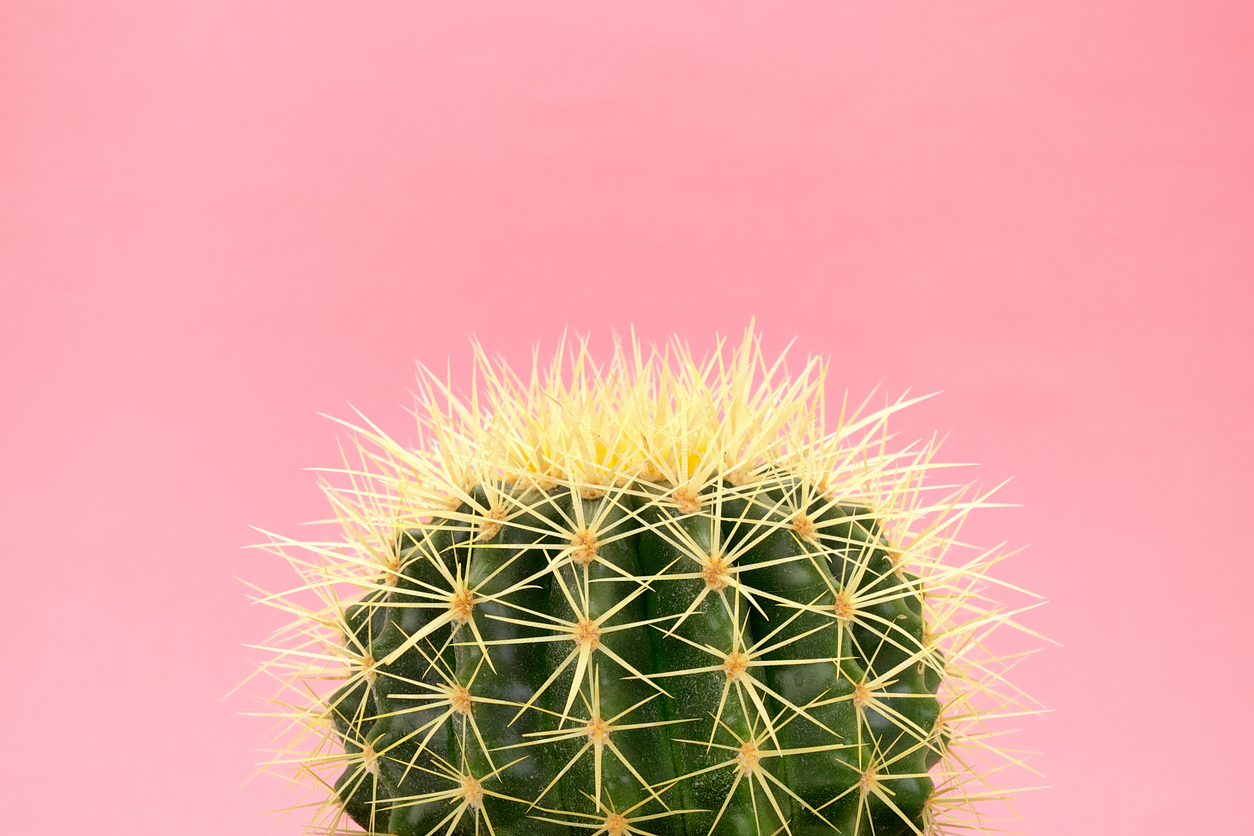
Sharpening doesn’t add detail—it increases local contrast along edges so the brain perceives greater clarity. However, without restraint, that same edge contrast creates halos, gritty surfaces, and amplified noise. A disciplined photo sharpening workflow improves perceived detail while remaining invisible.
The Three Stages of Sharpening
- Capture sharpening: restores baseline crispness lost in capture and demosaic.
- Creative sharpening: selectively enhances the subject to guide attention.
- Output sharpening: final adjustment for screen or print.
Lightroom Detail Panel — Safe Foundations
- Amount: increase slowly at 100% view.
- Radius: small for fine detail, larger for bold edges (watch for halos).
- Detail: higher values increase micro-contrast—use cautiously.
- Masking: hold Alt/Option and protect smooth areas.
Perform noise reduction before aggressive sharpening decisions. Otherwise, you sharpen noise and then try to undo it.
Texture vs Clarity
- Texture: subtle micro-contrast; safer for fine detail.
- Clarity: stronger midtone contrast; powerful but easy to overuse.
Apply these locally whenever possible. Soft areas—skin, sky, fog—should remain soft.
Selective Sharpening
Use Subject masks or brush tools to apply modest sharpening only where attention belongs. When the subject sharpens and the background stays calm, the entire image appears more refined.
Photoshop Precision (Optional)
- Convert to Smart Object.
- Use Smart Sharpen or High Pass.
- Mask sharpening carefully.
- Back off immediately if halos appear.
Output Sharpening
- Web: Export sRGB JPEG; Output Sharpening for Screen (Standard).
- Print: Match sharpening to paper type.
- Judge at intended size—not only 100% zoom.
Continue in Create → View all Create posts
Jump to: Learn Envision Create
References
Concepts inspired by Adobe Photoshop Classroom in a Book (2025) and PhotoFovea Create workflow standards.
- Associated blog(s): Create — Lightroom Local Adjustments: Shape Light Fast
- Associated blog(s): Learn — Lesson 11: High-Key & Low-Key Lighting Strategies