Essential Camera Setup — Universal Best Practices + D850 Examples
A practical guide to beginner camera setup—building a stable, repeatable foundation using universal principles and Nikon D850 examples.
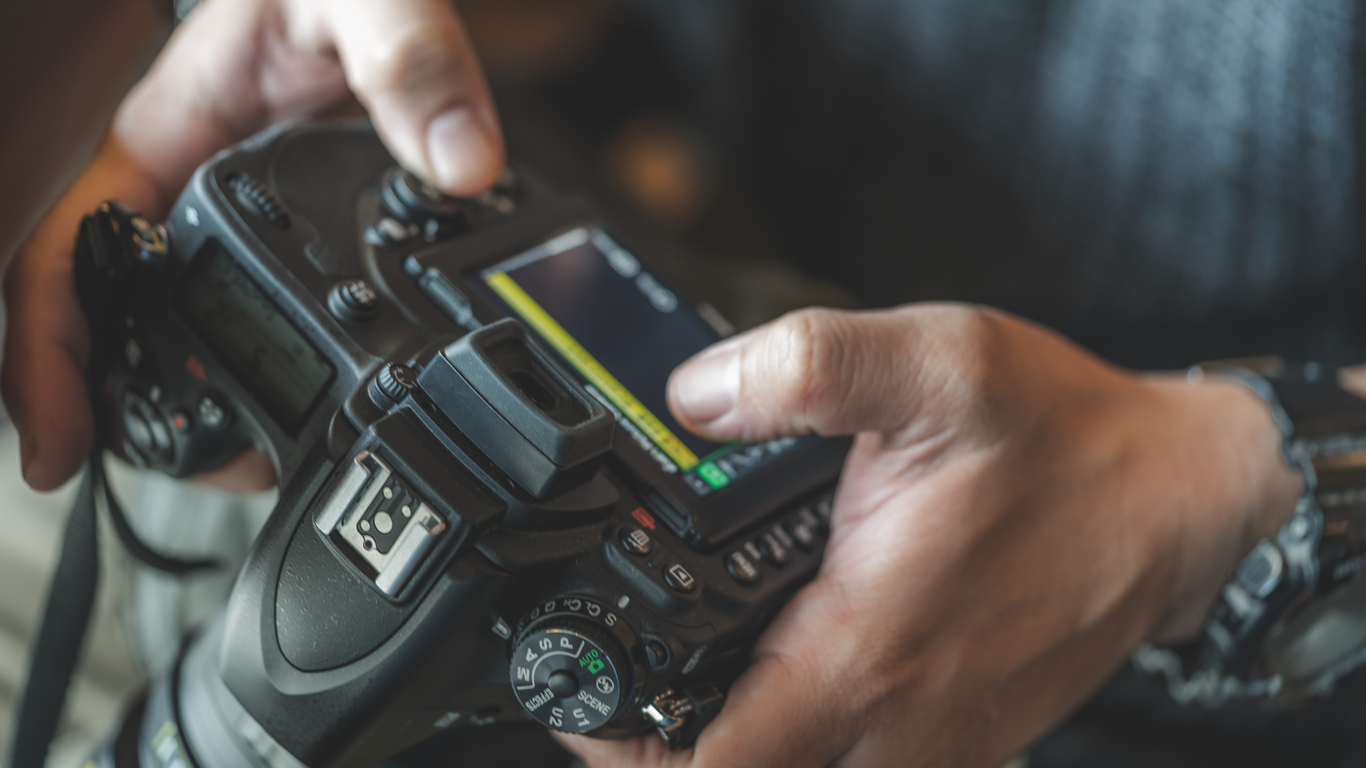
A thoughtful beginner camera setup creates predictability. Your camera becomes a dependable decision-making system rather than a mysterious box of settings. Once stability is established, creativity becomes far easier.
File Format — RAW vs JPEG
Serious photographers should shoot RAW. RAW preserves maximum dynamic range and color data. JPEG permanently compresses and alters the file in-camera.
- RAW: Full editing latitude
- JPEG: Smaller file, limited recovery
D850: Shooting Menu → Image Quality → NEF (RAW), 14-bit
Picture Profile
Use a neutral picture profile for accurate previews. While RAW files are unaffected, the preview influences your exposure decisions.
D850: Shooting Menu → Set Picture Control → Neutral
ISO & Auto ISO
Use Auto ISO intelligently. It protects against underexposure and motion blur.
- Auto ISO: ON
- Max ISO: 6400
- Minimum Shutter: 1/125 handheld
Focus Mode & AF Area
- AF-S: stationary subjects
- AF-C: motion
- Single-point AF for precision
White Balance
Auto White Balance (AWB 1) provides reliable consistency when shooting RAW.
Dual Card Slots
Use Backup Mode for redundancy during important work.
Custom Buttons
Map ISO and AF Area Mode to Fn buttons to reduce menu diving.
Metering & Drive Modes
- Matrix Metering
- Single Shot (S) for general use
- Continuous Low (CL) for casual action
- Viewfinder Grid: ON
Save Settings Banks
- Bank A: General Photography
- Bank B: Low Light
System Test
- Shoot RAW test frames
- Zoom to 100% for focus check
- Review histogram
- Offload and verify backup
Continue in Create → View all Create posts
Jump to: Learn Envision Create
References
- Associated blog(s): Before the First Click: Building Your Digital Photography
- Associated blog(s): SD, XQD & CFexpress Cards Demystified